
Improving efficiency and proficiency in PowerPoint
Well it is quite straight forward really. We provide an add-in for PowerPoint that helps you do slide work in PowerPoint more efficient and proficient.
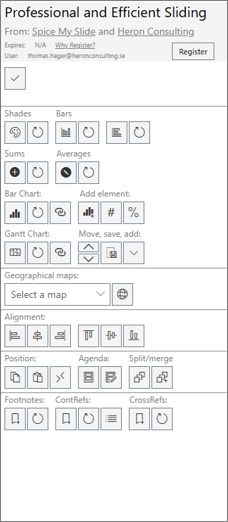
The SPICE add-in will show up on the right side of your PowerPoint window after installing it from Microsoft Store.
It provides a number of special features that you don’t find in native PowerPoint.
As far as we know we are the only ones providing a full feature solution for footnotes in PowerPoint. This is a fantastic time saver for anyone using PowerPoint for more substantial documentation and not “just” for short presentations.
Apart from the footnote function that we are specially proud of the SPICE add-in also has more to offer:
Read more in our User Guide